THE WEDDING BLUEPRINT
Your entire wedding
planned in one place. Beautifully.
3000+ couples have used this to plan their big day without the burnout.
Includes a 25-minute tutorial video
From overwhelmed couple to
confident wedding CEO, in one download.
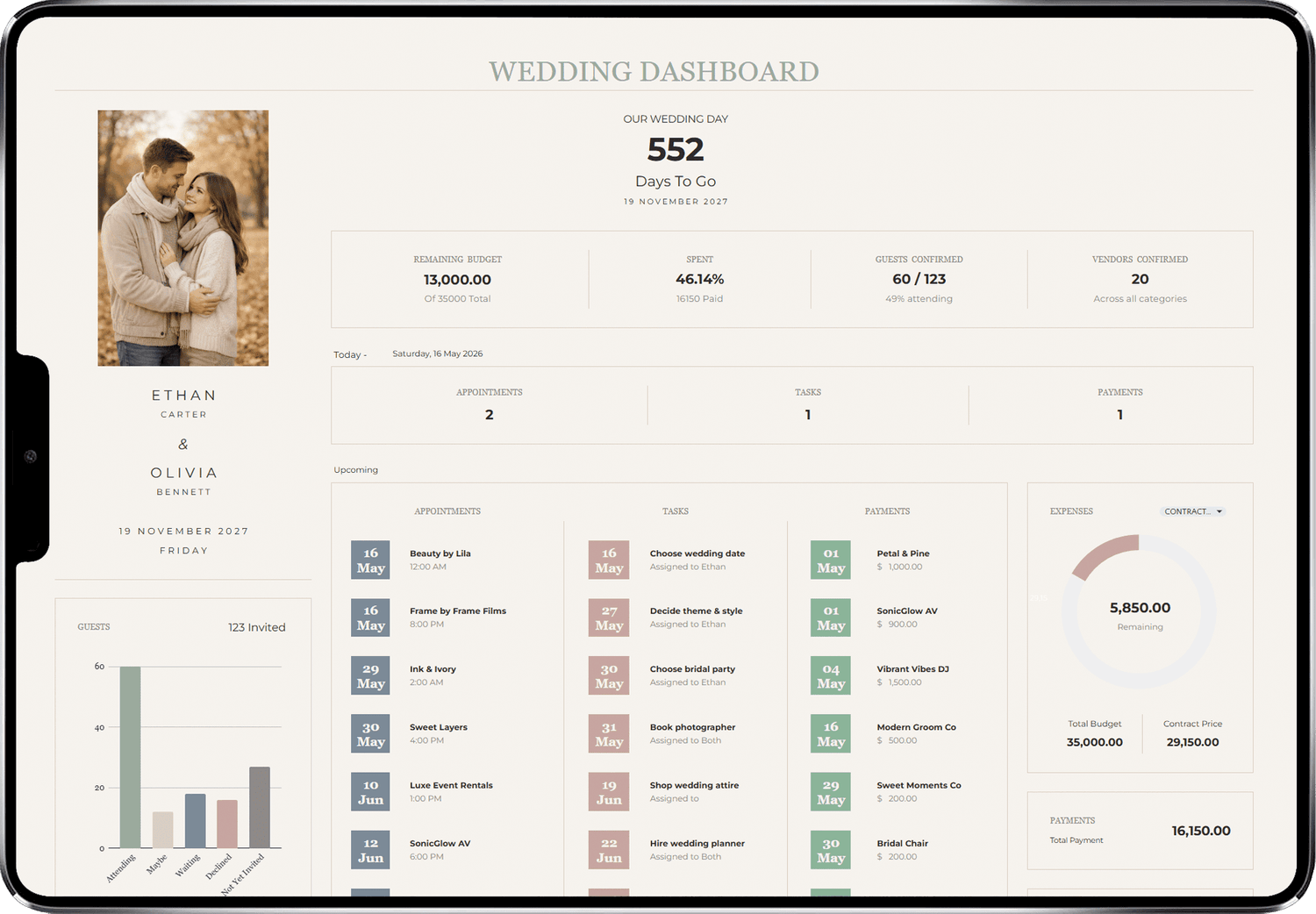
Dashboard
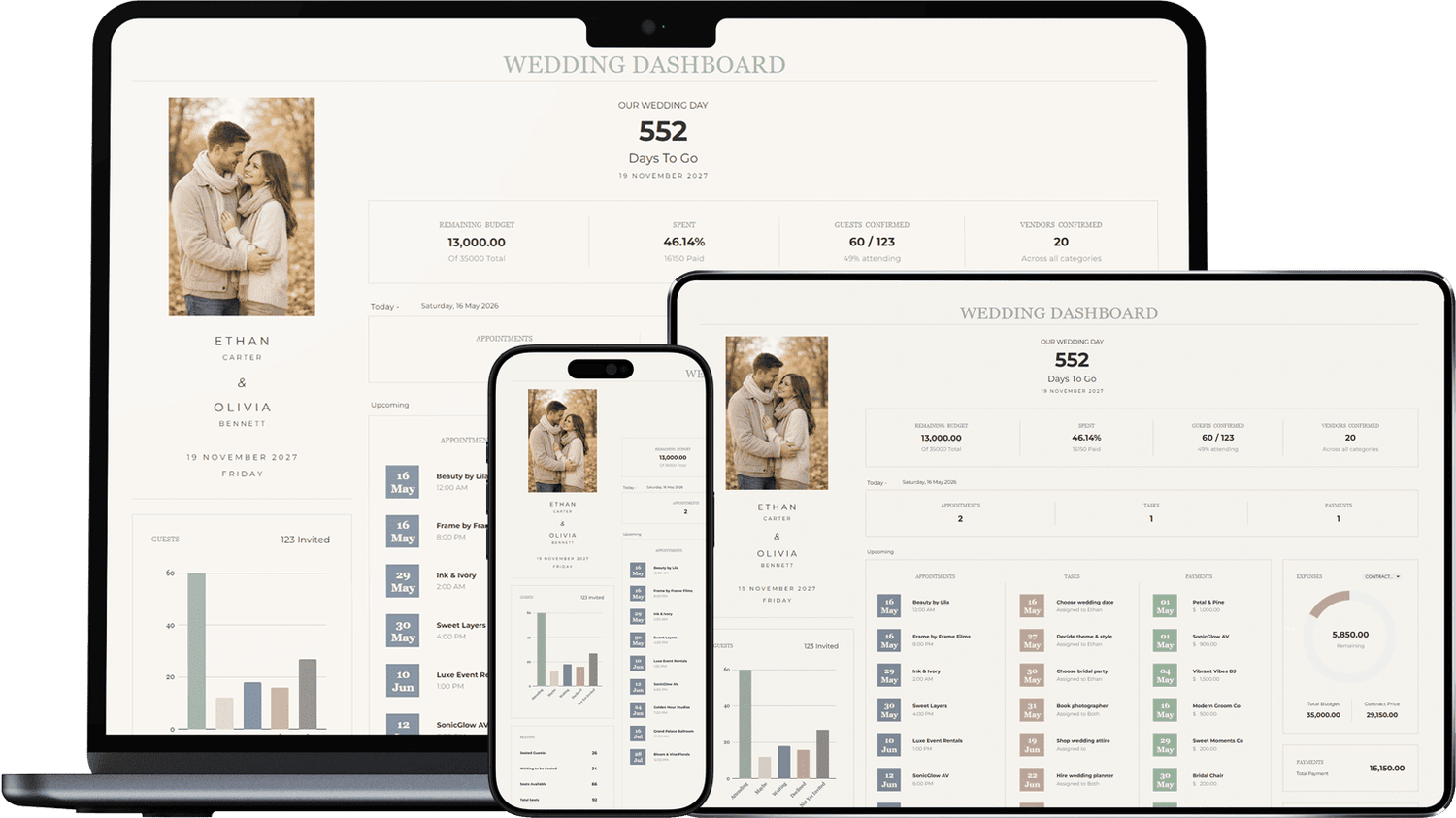
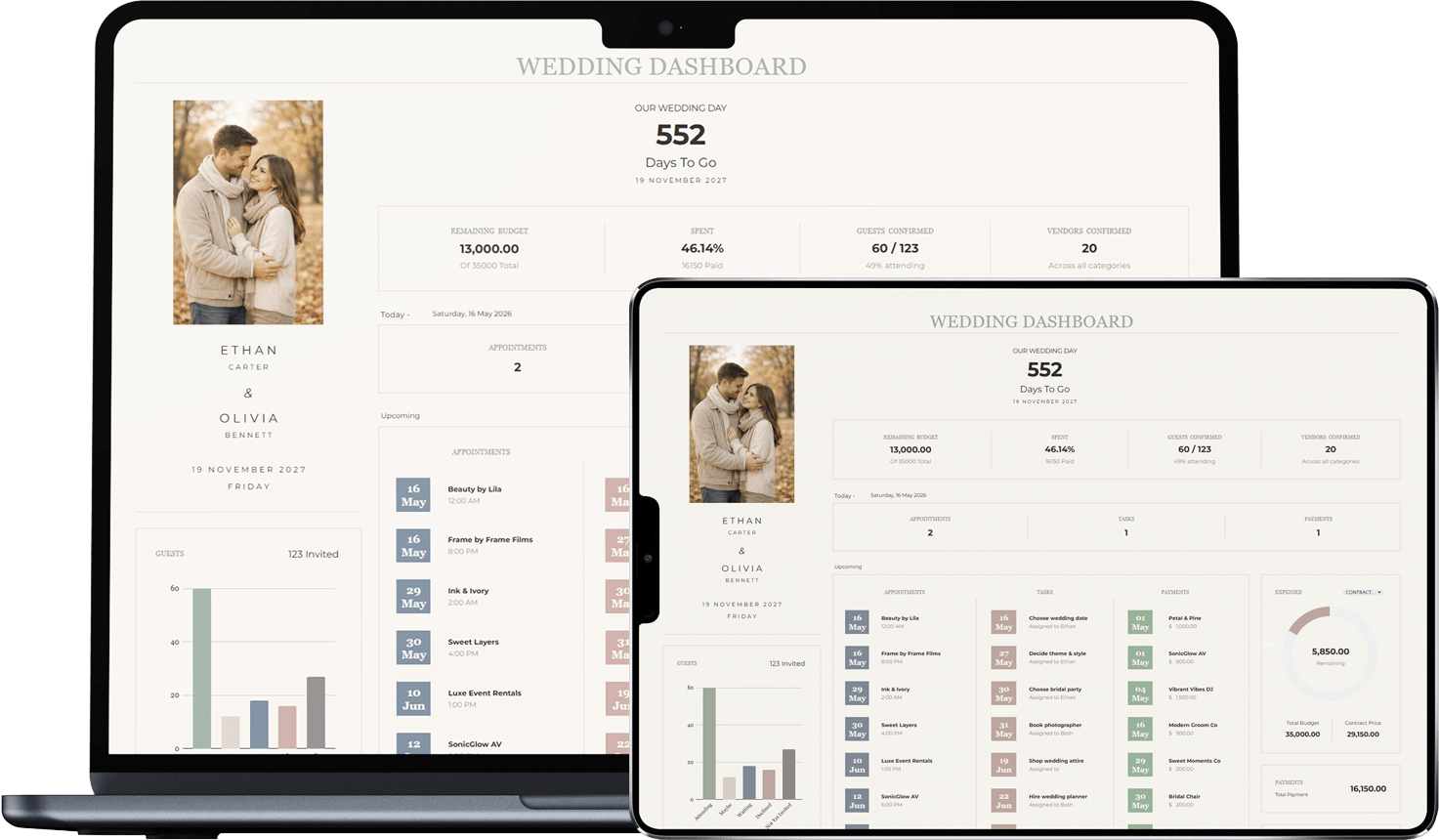
See your entire wedding at a glance — countdown, budget progress, guest count, upcoming tasks, and vendor list. Fully automated.
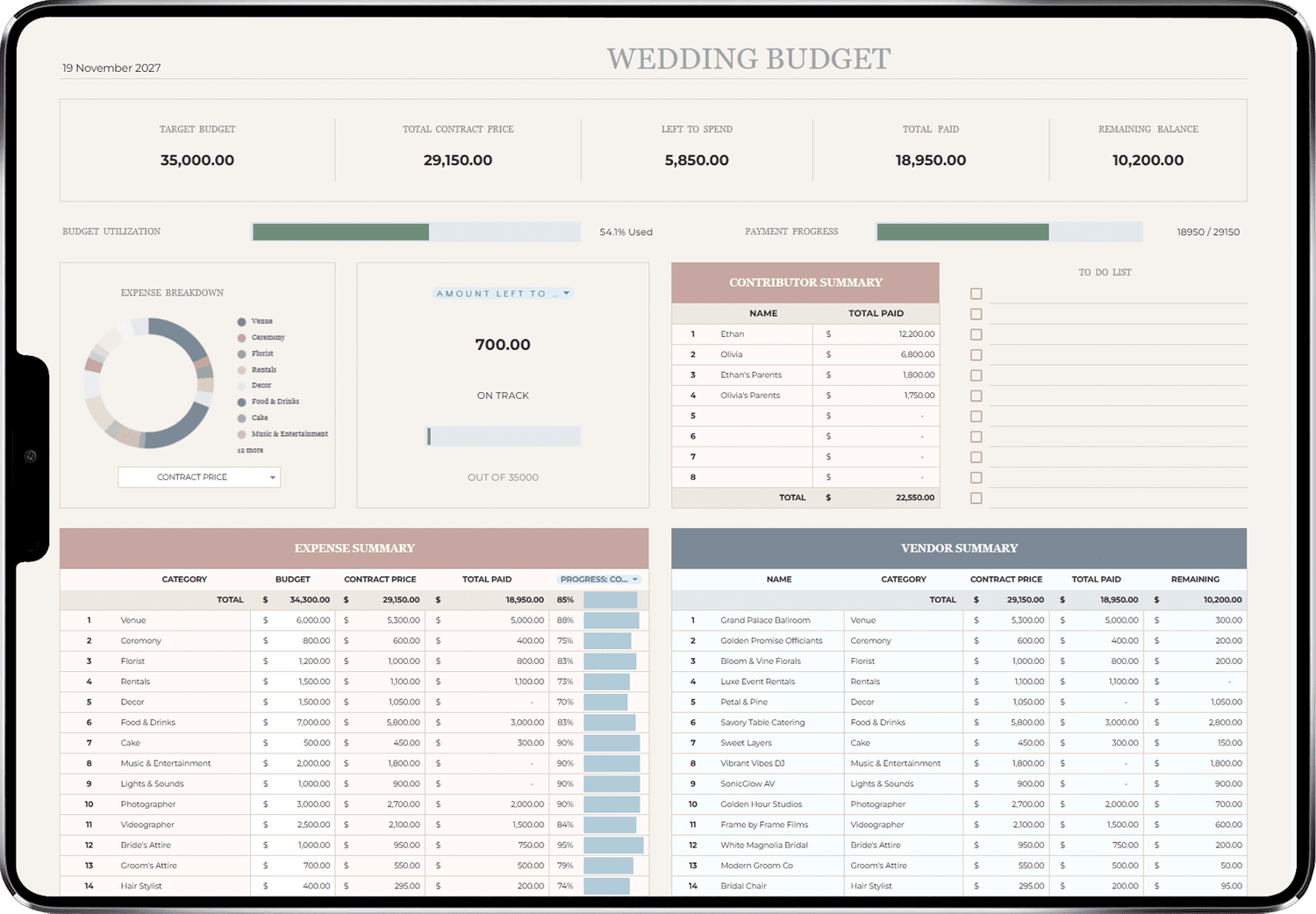
Wedding Budget
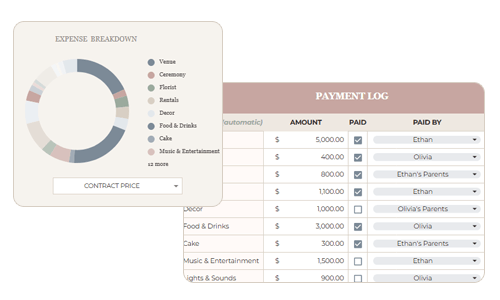
Set your target budget, track every payment, and see exactly what's left to spend. Contract prices sync automatically from confirmed vendors.
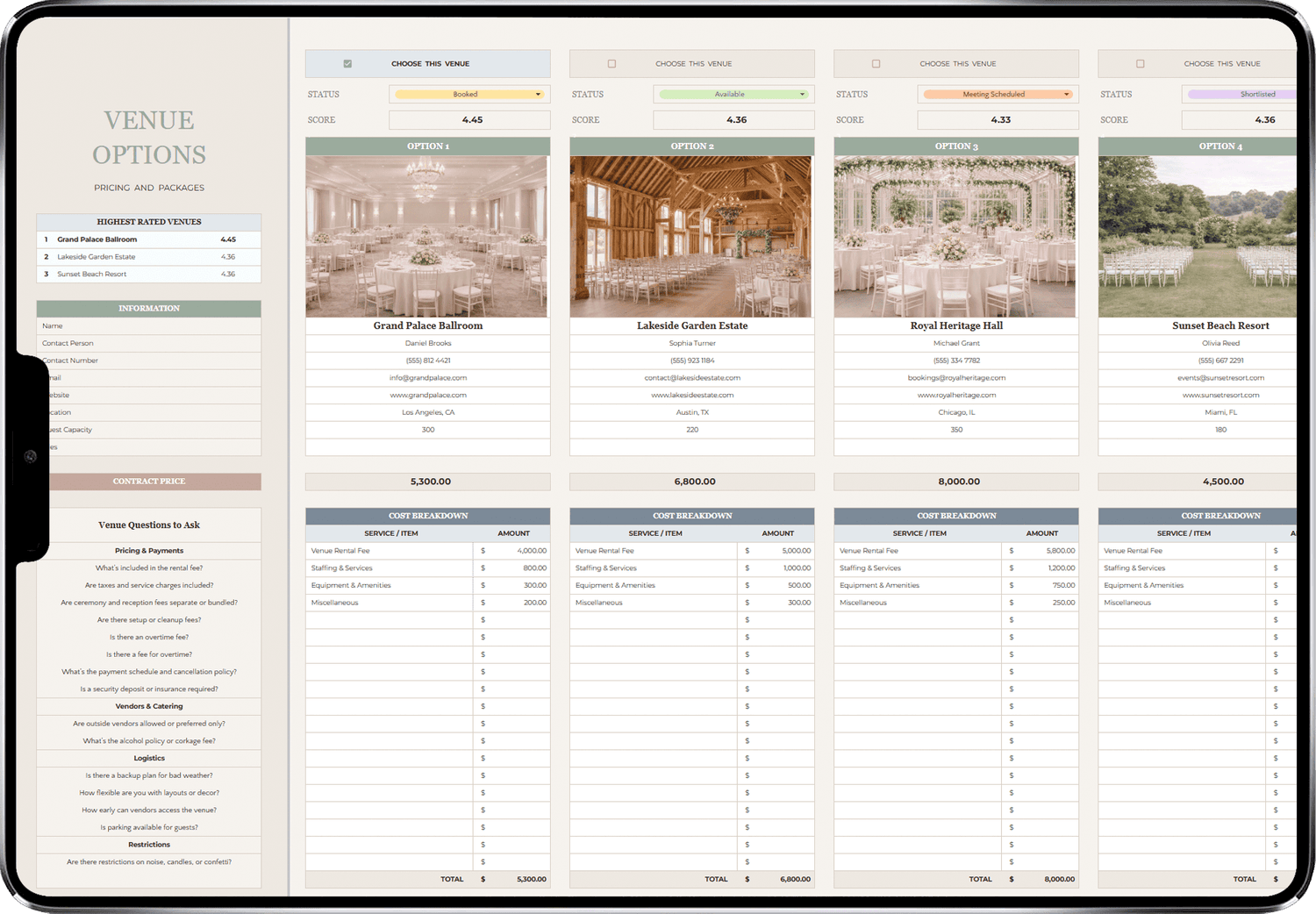
Venue Options
Compare venues side by side with weighted scoring. The top-rated venue rises to the top automatically.
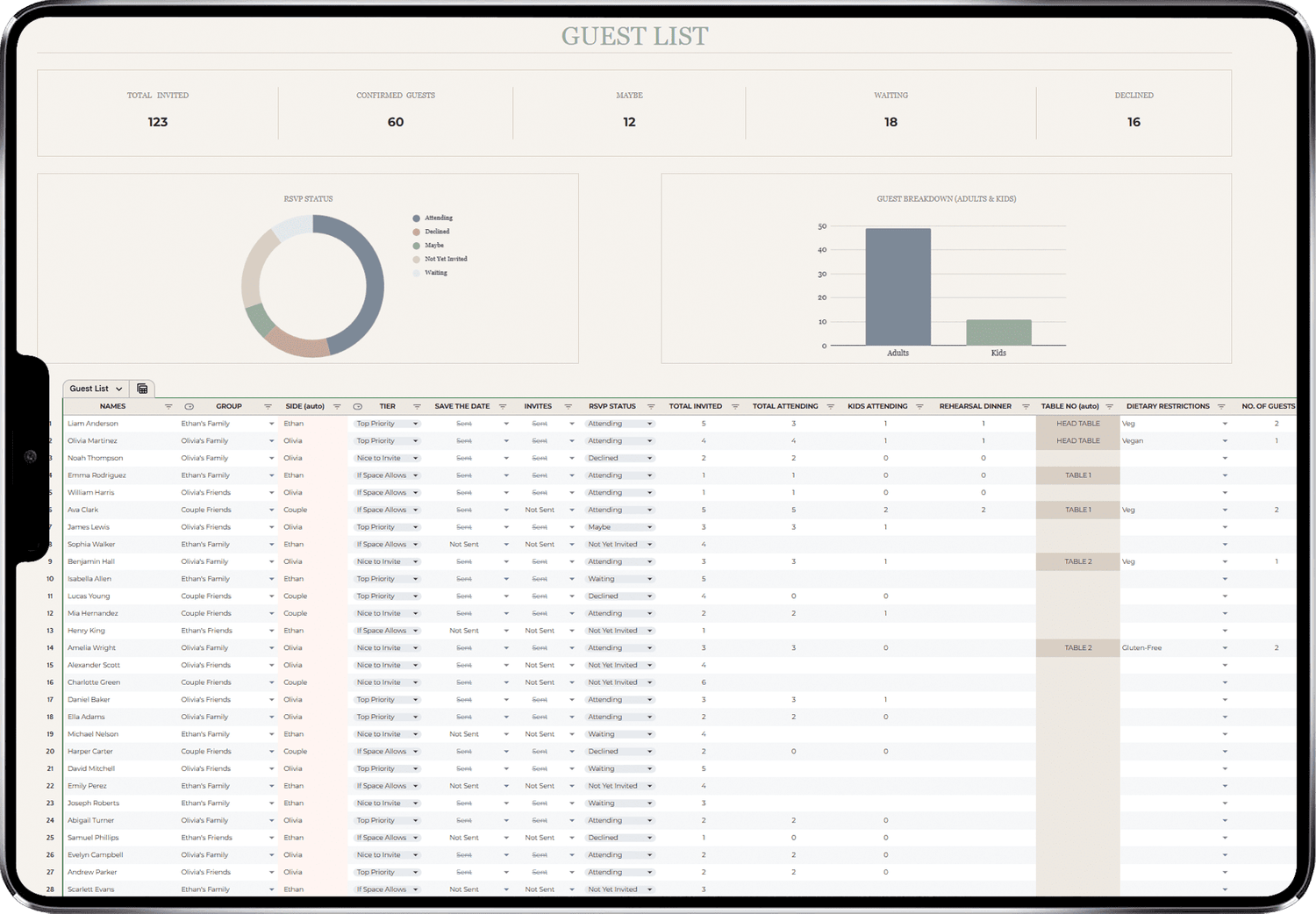
Guest List
Add guests, track RSVPs, dietary needs, attendance, and kids separately. Table numbers auto-fill once seating is assigned.
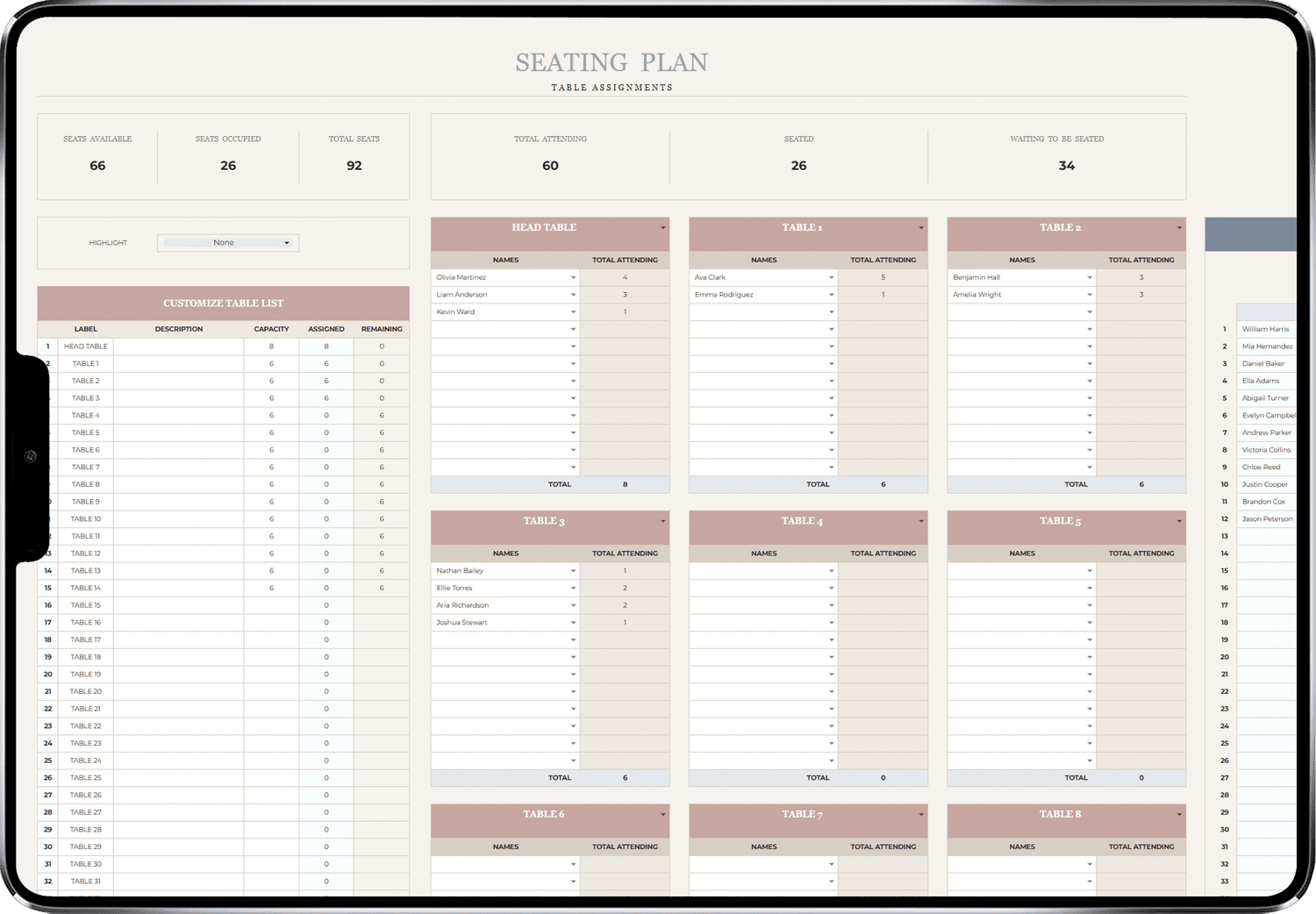
Seating Plan
See your whole wedding plan in one place — budget, timeline, tasks, and progress, all in easy charts.
Moodboard
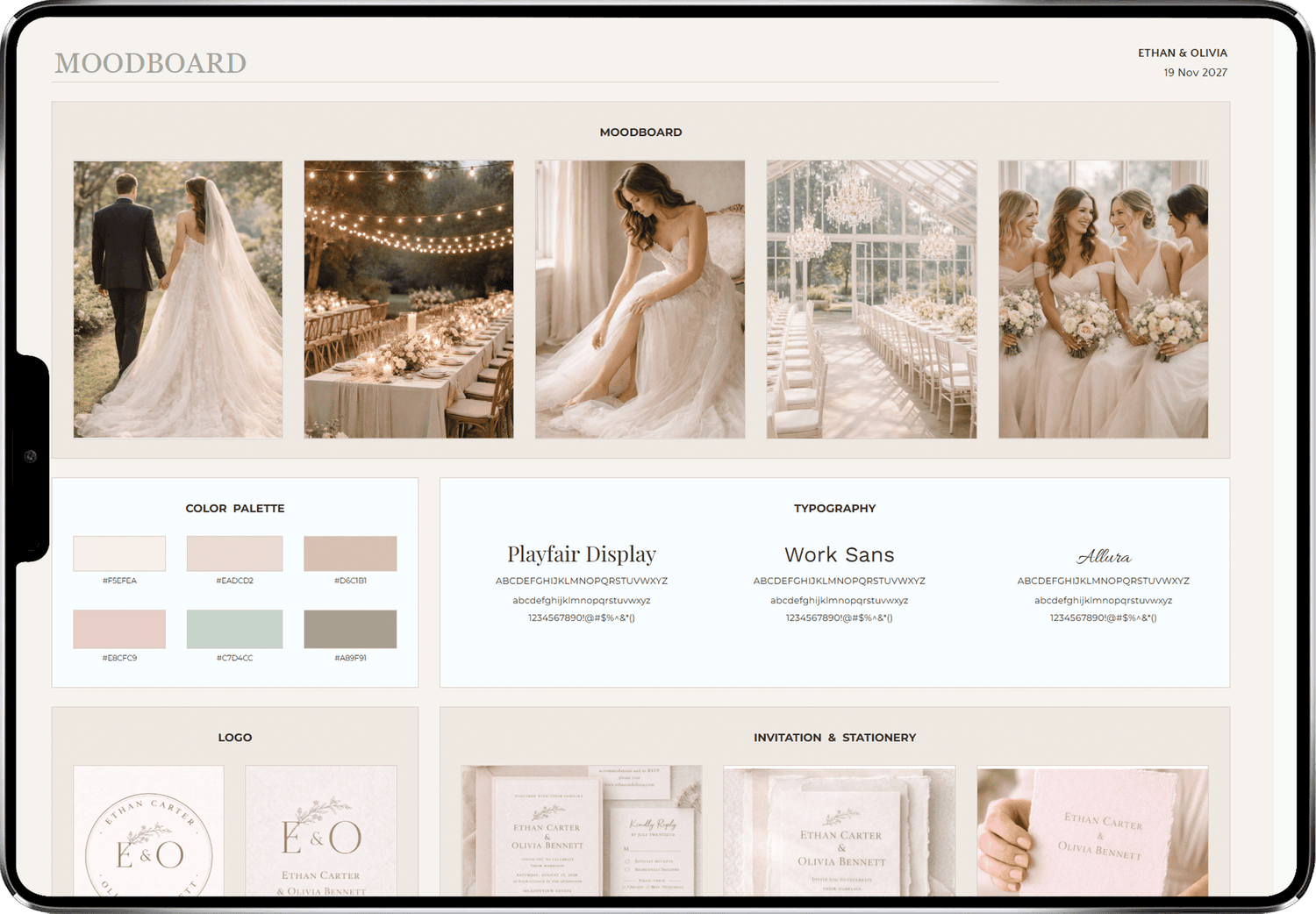
Upload inspiration images for florals, decor, attire, and colour palette. Rename and repurpose any section to match your vision.
Appointment Tracker
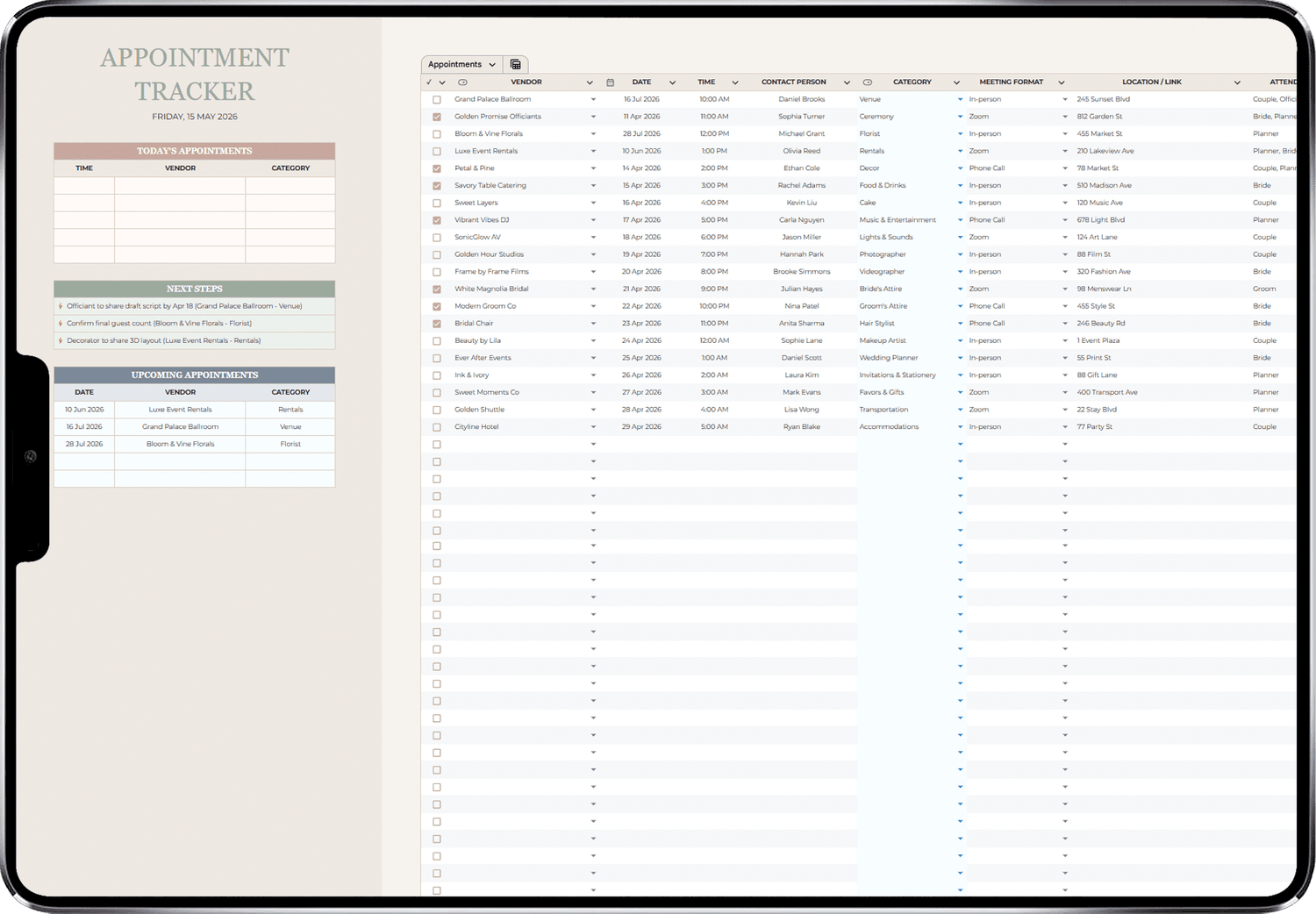
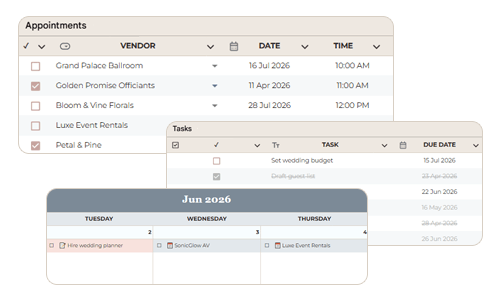
Log every vendor meeting with date, time, format, etc. Auto-generates today's appointments, next 3 action steps based on follow-ups, and your 5 upcoming meetings.
Smart Calendar
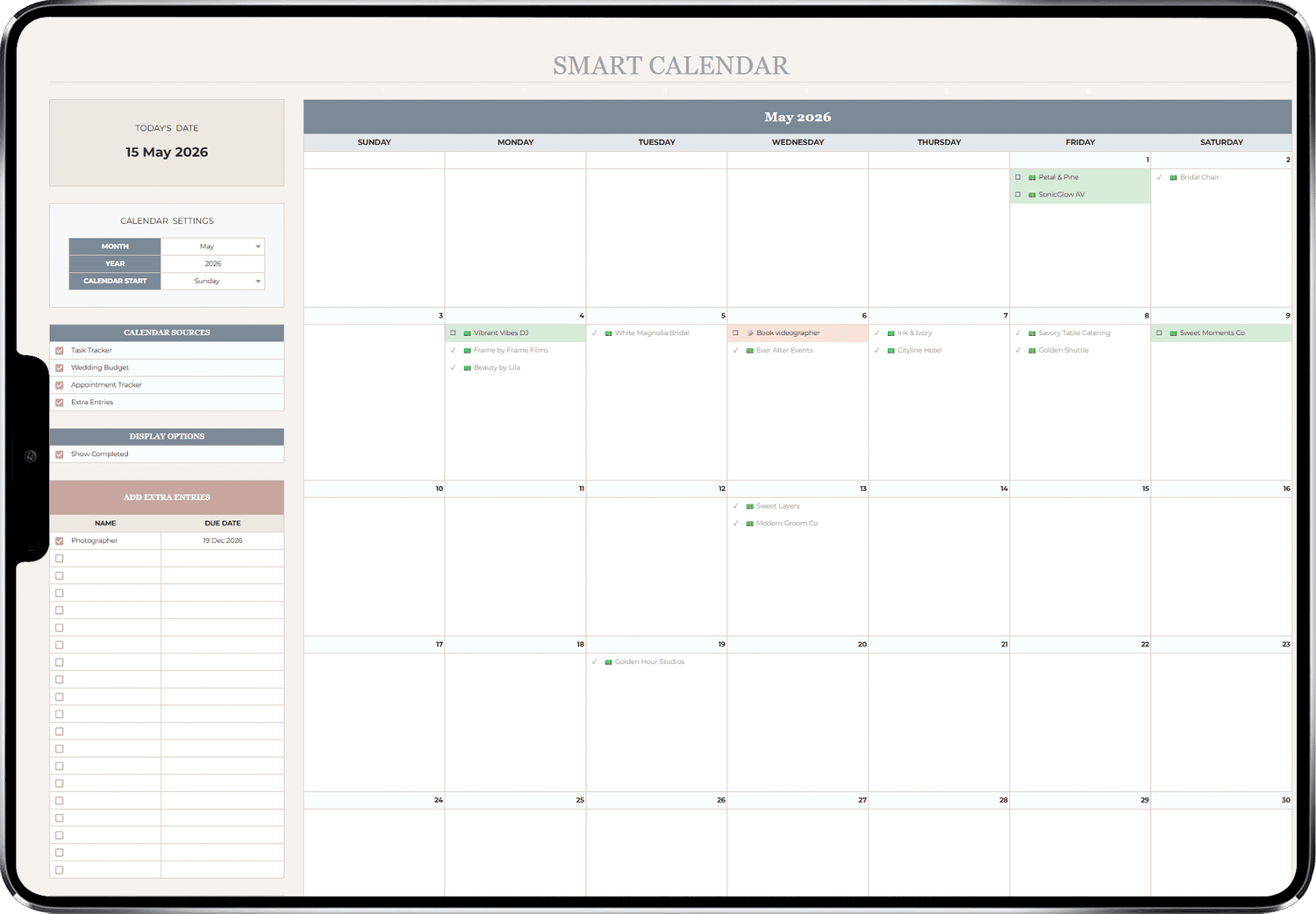
Pulls from your task tracker, payment log, and appointments automatically. Always know what's coming up and what needs action.
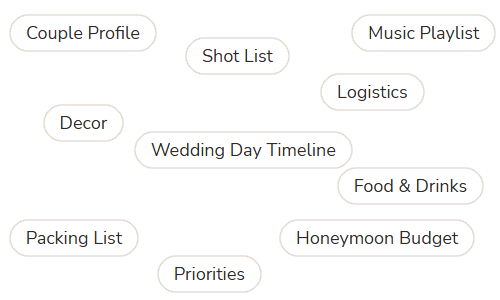
plus more categories like…
5 reasons why couples are choosing
The Wedding Blueprint
01
Plan from anywhere,
on any device
The Wedding Blueprint lives in Google Sheets — so it works on your laptop, tablet, or phone. No app to download, no subscription to manage. Just open and plan.
02
Actually stick
to your budget
Set your target budget, allocate it by category, and watch your totals update in real time as you log payments. You'll always know exactly where your money is going — before it's gone.
03
No more planning
overwhelm
With 26 connected tabs and a clear recommended flow, you always know what to do next. Everything auto-populates from one tab to the next so you never have to enter the same information twice.
04
Save 100+ hours
of work
Vendor details sync to your budget. Guest names sync to seating and logistics. Payment logs sync to your calendar. The planner does the heavy lifting so you can focus on the parts that matter.
05
Never miss a deadline
or payment
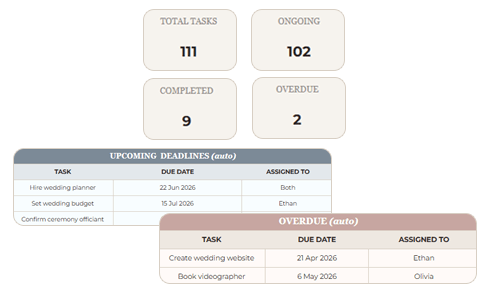
The Smart Calendar combines your tasks, appointments, and payment schedule in one live view. The Task Tracker flags overdue and due-soon items automatically so nothing slips through the cracks.
3,000+ couples enjoyed a
stress-free wedding
I was completely overwhelmed when I first got engaged. This planner changed everything. I went from sticky notes everywhere to every single detail in one place. The budget tracker alone saved us thousands
Sarah D.
The vendor comparison tabs are incredible. I was looking at five photographers and could compare them all side by side. Once I confirmed, the contract price synced straight to our budget. Genius.
Olivia S.
I bought three different planning tools before I found this one. Nothing else came close. The seating plan, the shot list, the packing list — it covers everything I didn't even know I needed. Worth every penny.
Emma R.
One price. Everything included.
Lifetime access.
The Wedding Blueprint
The complete wedding planner spreadsheet
$49 $69
*Limited time offer
All-in-one wedding planning spreadsheet
Wedding dashboard, budget, venues, food & drinks, calendar, appointments, tasks, guest list, seating plan, wedding day timeline, mood board, vendors, logistics, decor, music playlist, photo shot list, packing list, gifts & thank-yous, honeymoon budgetOne-time purchase, use forever
Use on any device: mobile, tablet & desktop
Multi-currency support
Change the currency of your planner to any currency of your choice ($, £ € ¥ ₱ ฿ ₩ ₹ ₫ ₺ etc.)20-minute tutorial video
Lifetime updates to latest versions
Frequently asked questions
Instantly after purchase — you’ll receive a link to download and start planning right away.
It's a digital product you can use instantly after purchase — no shipping needed!
Yes — The Wedding Blueprint is built for Google Sheets. You'll need a free Google account to use it. Once you purchase, go to File > Make a Copy to get your own fully editable version. Do not request edit access directly.
Not at all. Everything is pre-built with formulas, dropdowns, and automation. You just fill in the white cells and the template does the rest. A step-by-step Instructions tab and video tutorial are included to walk you through everything.
Yes. Because it runs in Google Sheets, you can access and edit it from any device using the free Google Sheets app. Just make sure you're signed into the same Google account.
Yes. You can change the currency to your preferred currency from the Setup tab. This updates the currency display across the entire planner instantly.
Once you purchase, it's yours forever! You’ll get unlimited access through your free Google account, and we’ll email you the access link and instructions right after checkout — so you can start whenever you're ready.
We’re here for you! Just email us at support@theplannerblueprint.com and we’ll get back to you within 24 hours.
Absolutely! You can duplicate the planner template as many times as you'd like, and plan each wedding separately. If you're a professional wedding planner, this is a great fit for you! You can also share the Google Sheets version with your clients so they can track the planning process as well.